We're making a change in giving providers.
Here's what that means for you.
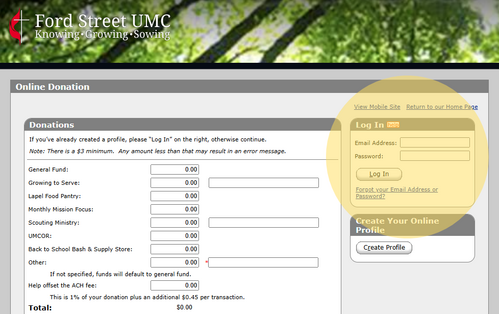
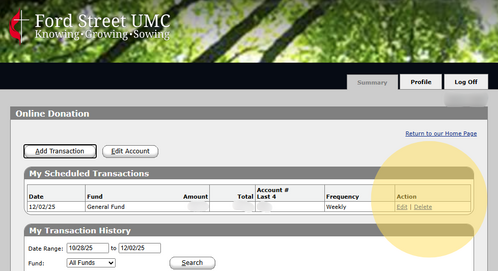
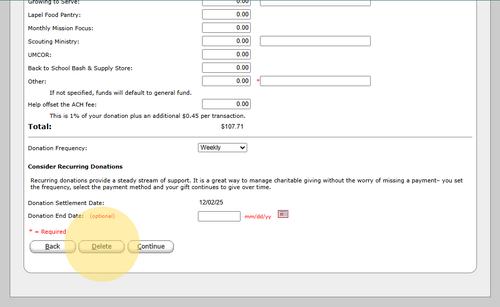
For years our church has used Vanco Services to allow members to give online., but now we are making the switch to Subsplash to save our church time and money. So, if you have a recurring gift that you are offering through Vanco, you will want to end your recurring gift with them and create a giving account with Subsplash. Our desire is to make this shift simple and efficient for you. Below, are steps to help you migrate to the Subsplash Giving platform from Vanco.